

Learn Chinese on Desktop With a Browser App Built for the Big Screen
Learn Chinese on desktop and most apps hand you a phone layout stretched wide. Chenjin is a web app first: the reader uses the width for notes, exercises, and games beside the text, dictation is typed on a real keyboard, the Chrome extension turns YouTube into study material, and practice sheets print from the browser. The phone app exists, but the desk is where the deep sessions happen.

A reader that uses the whole screen
On a wide window the article sits in the middle with community notes on one side and practice exercises and linked games on the other. Hover any word for its pinyin or gloss, press the slash key for the global search, and open the dictionary popup with its six tabs without leaving the page. Collections and books shelve under the library so a long read has a home.

Dictation on a real keyboard
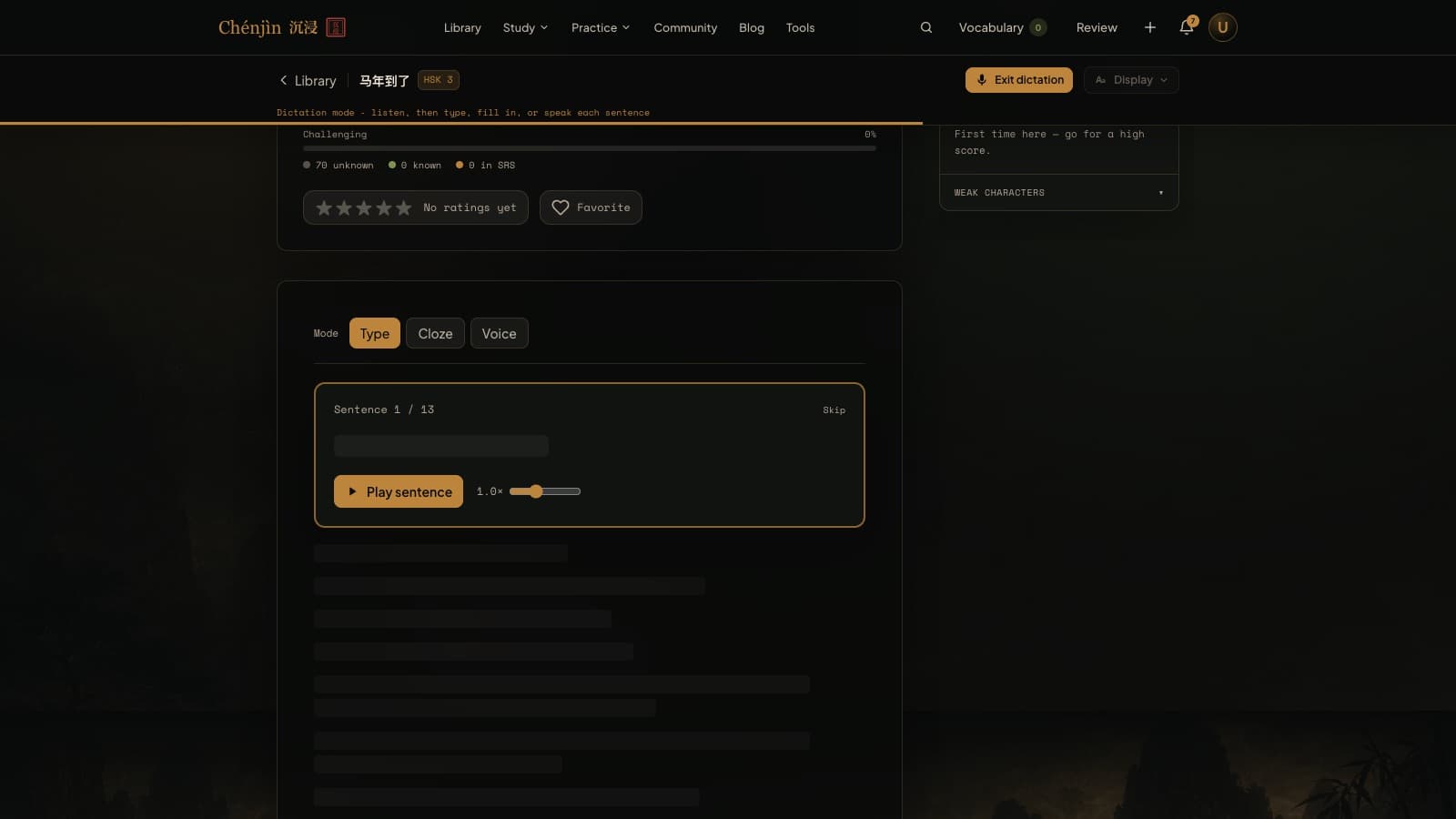
Typed dictation plays a sentence and you type what you heard, with per-character grading and a weakness map of the sounds you miss. Cloze mode blanks only the hard words. Both are far better with a keyboard and a Chinese input method than on a phone. Dictation is part of the Plus plan, with a 7-day free trial.
YouTube with the extension
Video Study takes a YouTube link and shows segmented subtitles with pinyin and vocab colors beside the player; the Chrome extension puts the same tools on the video page itself, with one-click sentence mining to your flashcards. Both are part of the Plus plan.
Prefer paper or Anki? The free practice sheet generator prints from the browser, and Anki sync sends new cards straight to the desktop Anki app through AnkiConnect.

Frequently asked questions
Is there a Windows or Mac download?
No. Chenjin runs in the browser on any desktop, with the Chrome extension for YouTube. Everything syncs with the iPhone and Android apps.
Does the extension work outside YouTube?
It's built around video subtitles and sentence mining, with YouTube as the main case; the app page lists the sites it currently supports. For a page of plain Chinese text, the free pinyin converter is the quickest route.
Can I use Chenjin without the phone app at all?
Yes. Every feature is on the website. The app is for the gaps in the day, not a requirement.
Keep exploring
Try it tonight
The free plan includes the dictionary, the free graded reader, three library articles a day, games, and flashcards. If it fits the way you learn, the Plus plan unlocks the rest with a 7-day free trial.
Create a free accountFree forever plan · no credit card required
Complete beginner? Start from zero.