

The Chinese Reading App with Anki Sync
A Chinese app with Anki sync shouldn't make you abandon your decks. Chenjin doesn't: set your card destination to Anki once, and every word or sentence you mine goes straight into your own collection via AnkiConnect.
You keep your scheduler, your add-ons, and your review history. Chenjin becomes the place cards come from.
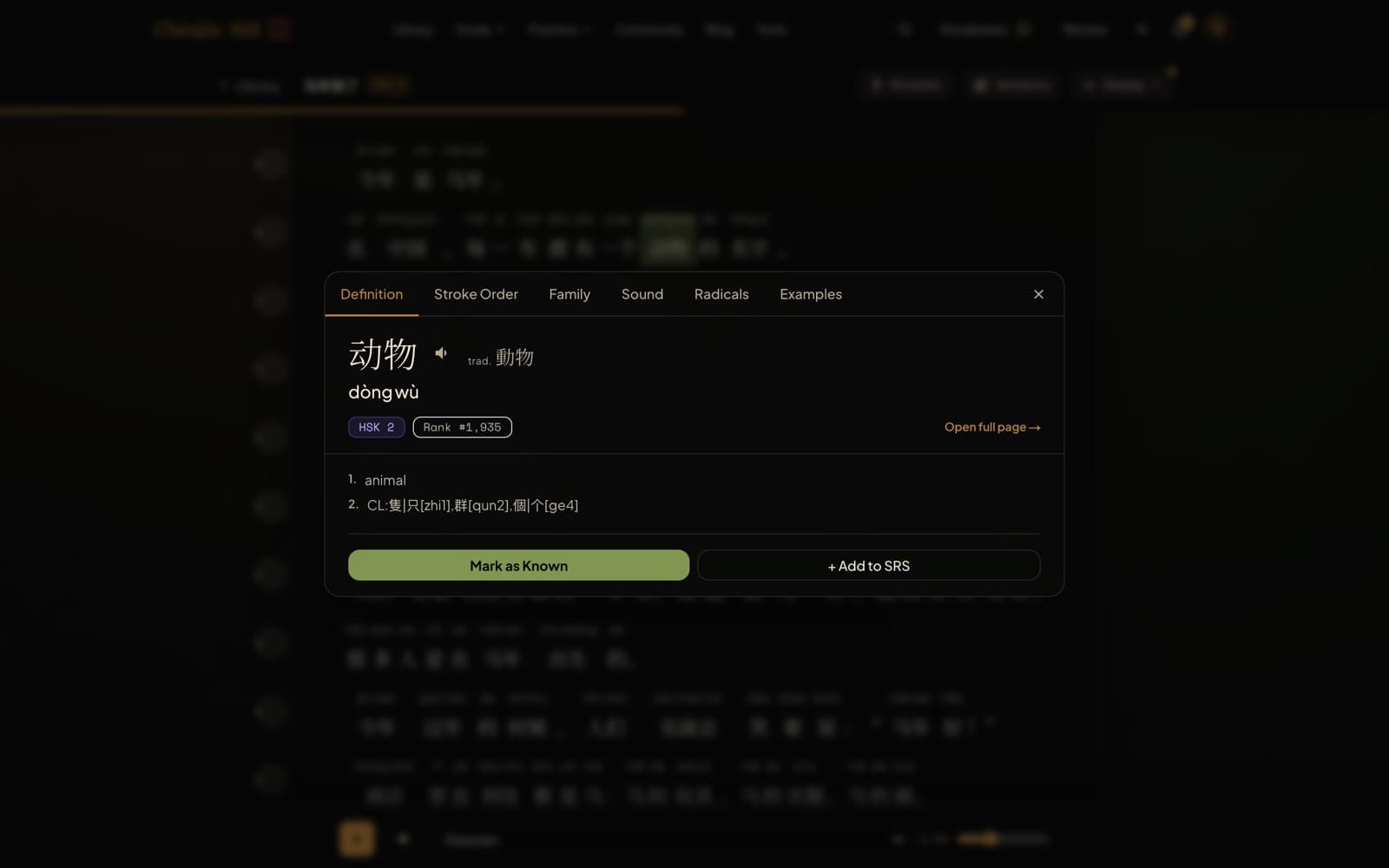
One click from reading to Anki
While you read, any word is one tap from a card: hanzi, pinyin, definition, formatted to match Chenjin's exported note style. With Anki set as your destination, the card lands in the deck you chose, deduplicated by Anki itself.
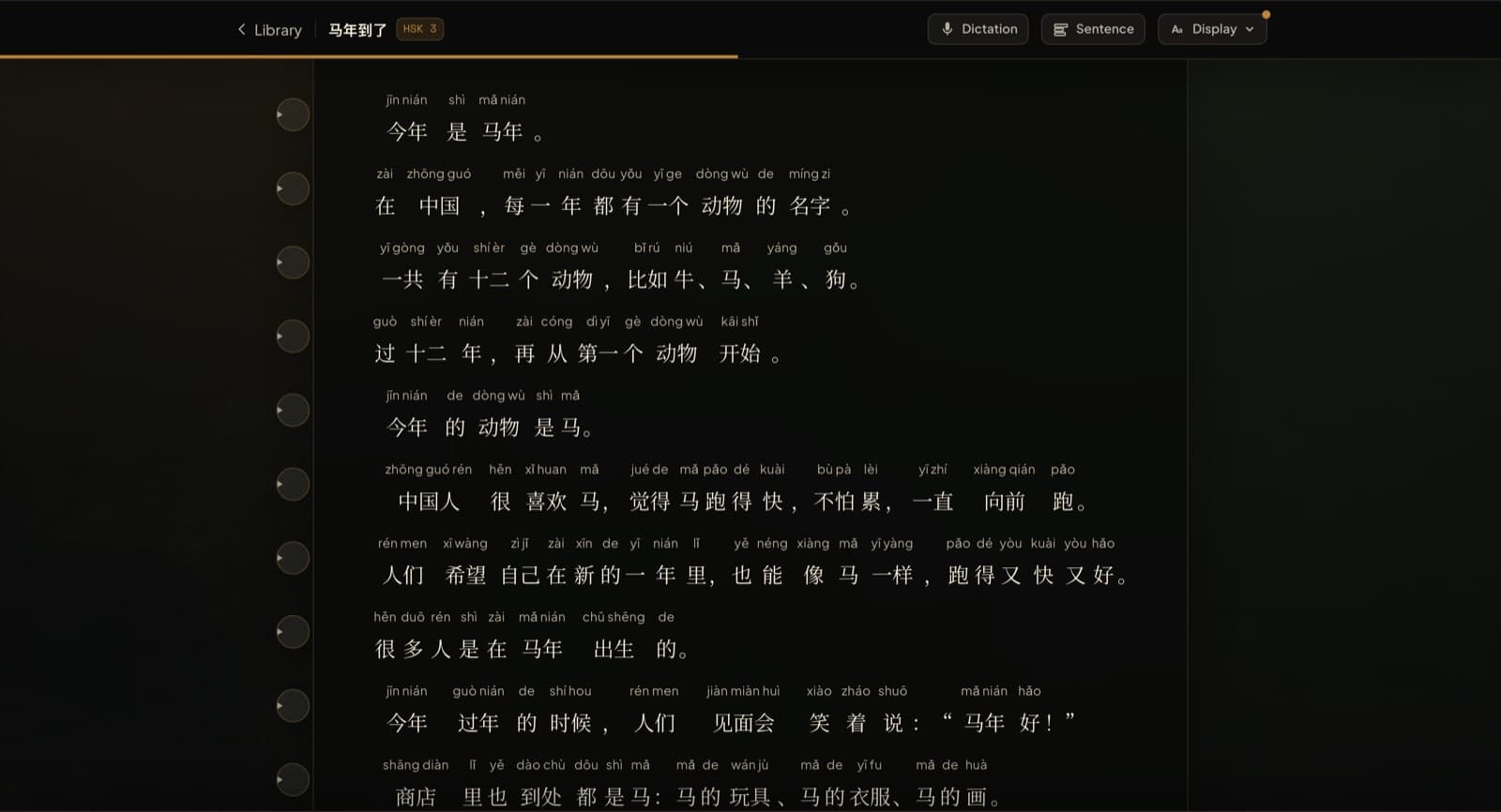
Sentence mining with real audio
From video study, mined sentence cards carry the video's own audio clip, a screenshot, and a drafted translation. From the reader, phrase cards capture the exact sentence context. Both flow to Anki the same way.

Or skip Anki entirely
Chenjin's built-in SRS runs FSRS-4.5, the same modern scheduler top Anki users install by hand. If you ever want one less app, your mining workflow doesn't change, just the destination.
Frequently asked questions
How does the sync work technically?
Through AnkiConnect, the standard add-on. Your browser talks to Anki running on your own computer; your collection never gets uploaded anywhere. Setup is pasting one line into the add-on config.
Will it create duplicates?
No. Cards are added with Anki's own duplicate detection scoped to your target deck, so re-mining a word you already have is a no-op.
Can I export decks instead of live-syncing?
Yes, there's a standard .apkg export too. Live sync is on the Plus plan, which has a 7-day free trial.
Keep exploring
Try it tonight
The free plan includes the dictionary, the free graded reader, three library articles a day, games, and flashcards. If it fits the way you learn, the Plus plan unlocks the rest with a 7-day free trial.
Create a free accountFree forever plan · no credit card required
Complete beginner? Start from zero.