

Read Chinese Faster Without Skipping the Words You Need
Read Chinese faster and the obstacle is rarely the characters themselves. It's the stop-start of looking up every third word, and the habit of leaning on pinyin. Chenjin's reader lets you turn pinyin off and hover only when stuck, picks texts by how much of their vocabulary you already know, and shrinks your unknown-word count with each article so the next one reads smoother.
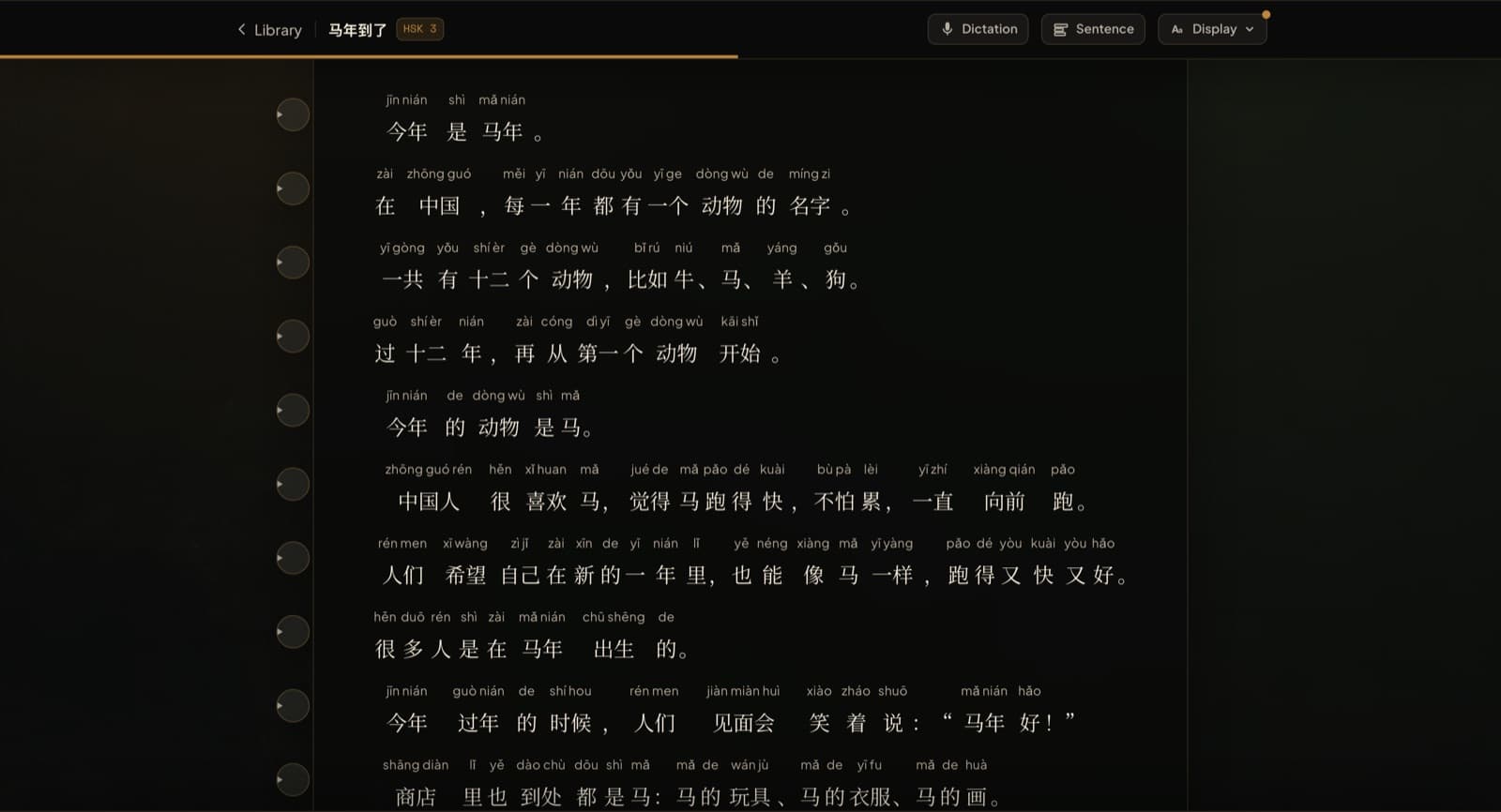
Pinyin off, hover when you need it
The Display menu offers pinyin always on, only on hover, or off. Hover mode is the one for speed: the characters stay clean, your eye moves, and a syllable appears only over the word you pause on. Word gloss works the same way for meanings. A tap still opens the full dictionary when a hover isn't enough.
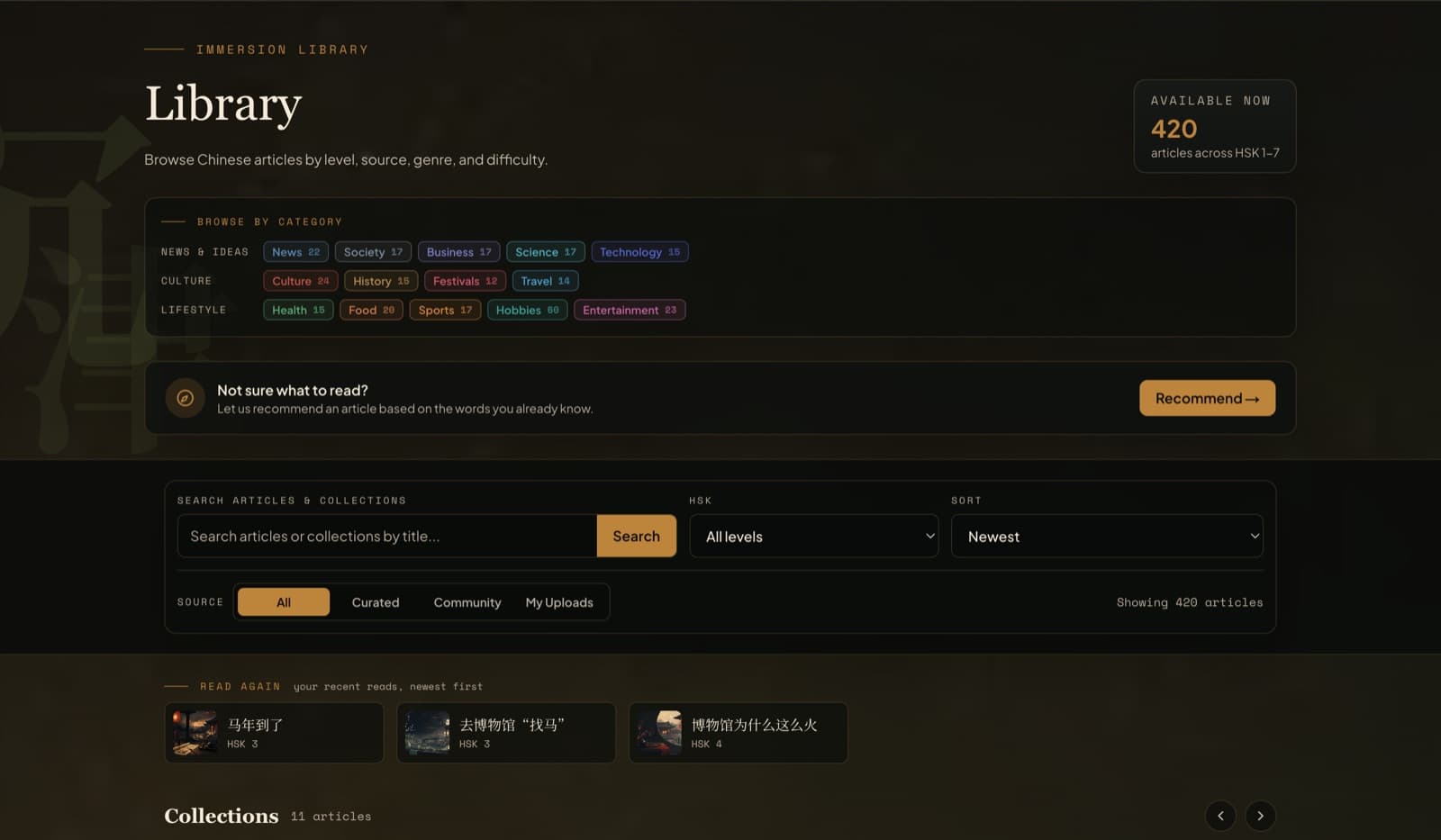
Pick texts you can nearly read
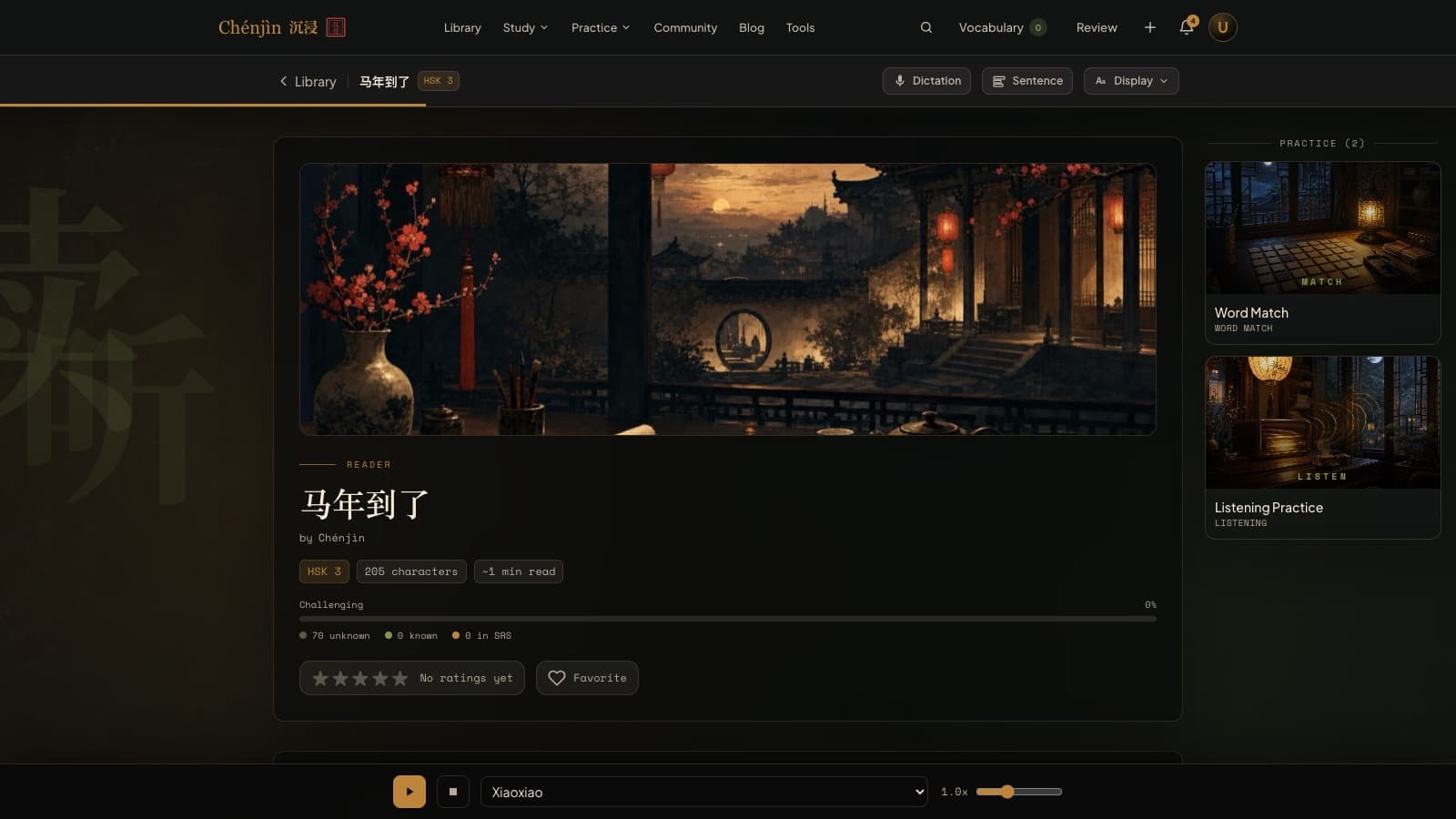
Every library card shows a familiarity percentage and the number of unknown words. Fast reading happens at 95 percent known, so read the ones the meter rates easy and let the HSK filter keep you honest. The free graded reader, The Country of the Blind, is twelve chapters of exactly this kind of reading at HSK 3.
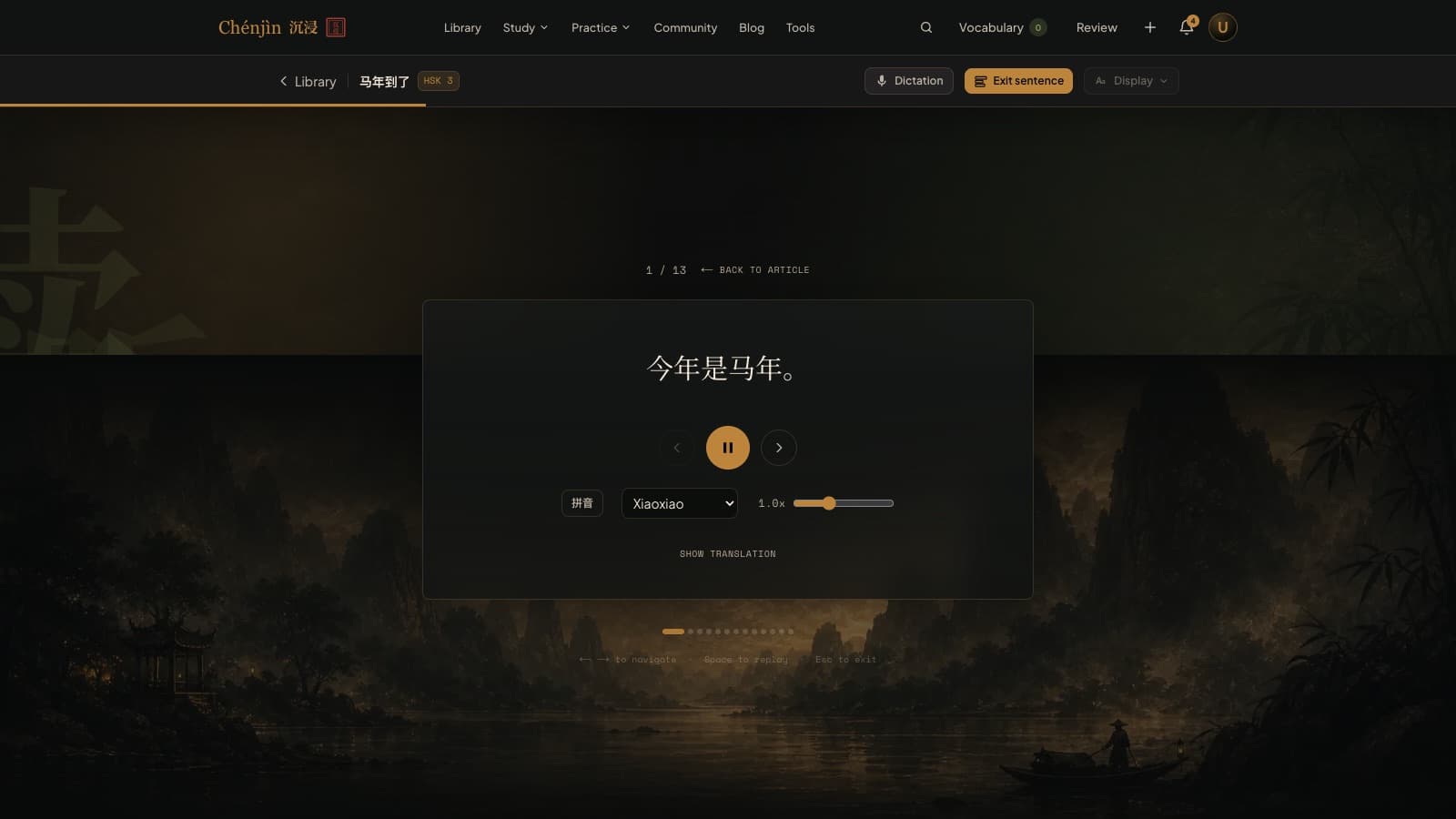
Slow down for one sentence, then speed back up
Sentence view shows one sentence at a time with audio and a translation you reveal only if you need it, which is the right tool for the paragraph that stalls you. It remembers where you stopped, on any device. Back in the full article, the words you marked known along the way are no longer highlighted, so the same text reads faster the second time.
Frequently asked questions
Does Chenjin time my reading or measure words per minute?
No. It measures what you know (the familiarity meter, the unknown-word count) and how much you've read, not speed. Speed follows from those.
Should I turn pinyin off completely?
Hover mode is the usual middle step: the text stays bare but help is one pause away. Most readers switch to fully off once hover use becomes rare.
How much reading is free?
Three library articles a day, plus the whole free graded reader. Unlimited reading is part of the Plus plan, with a 7-day trial.
Keep exploring
Try it tonight
The free plan includes the dictionary, the free graded reader, three library articles a day, games, and flashcards. If it fits the way you learn, the Plus plan unlocks the rest with a 7-day free trial.
Create a free accountFree forever plan · no credit card required
Complete beginner? Start from zero.