

Read Chinese Academic Papers Without a Dictionary Tab Open
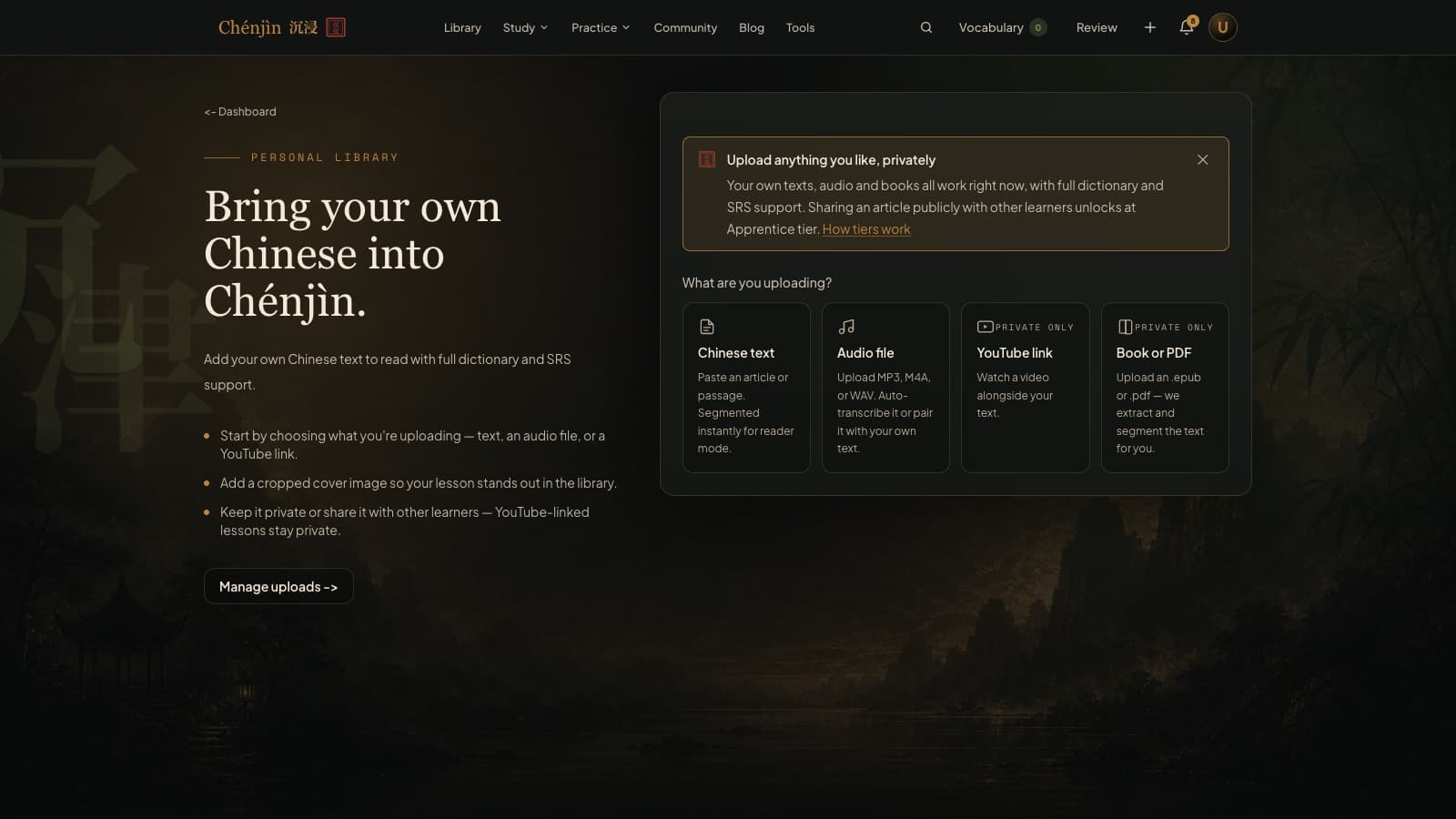
Reading Chinese academic papers is where general Chinese stops being enough: formal register, long clauses, and field terminology that appears in no textbook. Chenjin lets you upload the PDF itself and read it as a segmented text with a tap dictionary, a sentence-at-a-time view, and flashcards for the terms that keep coming back.
Tap any term, see every sense
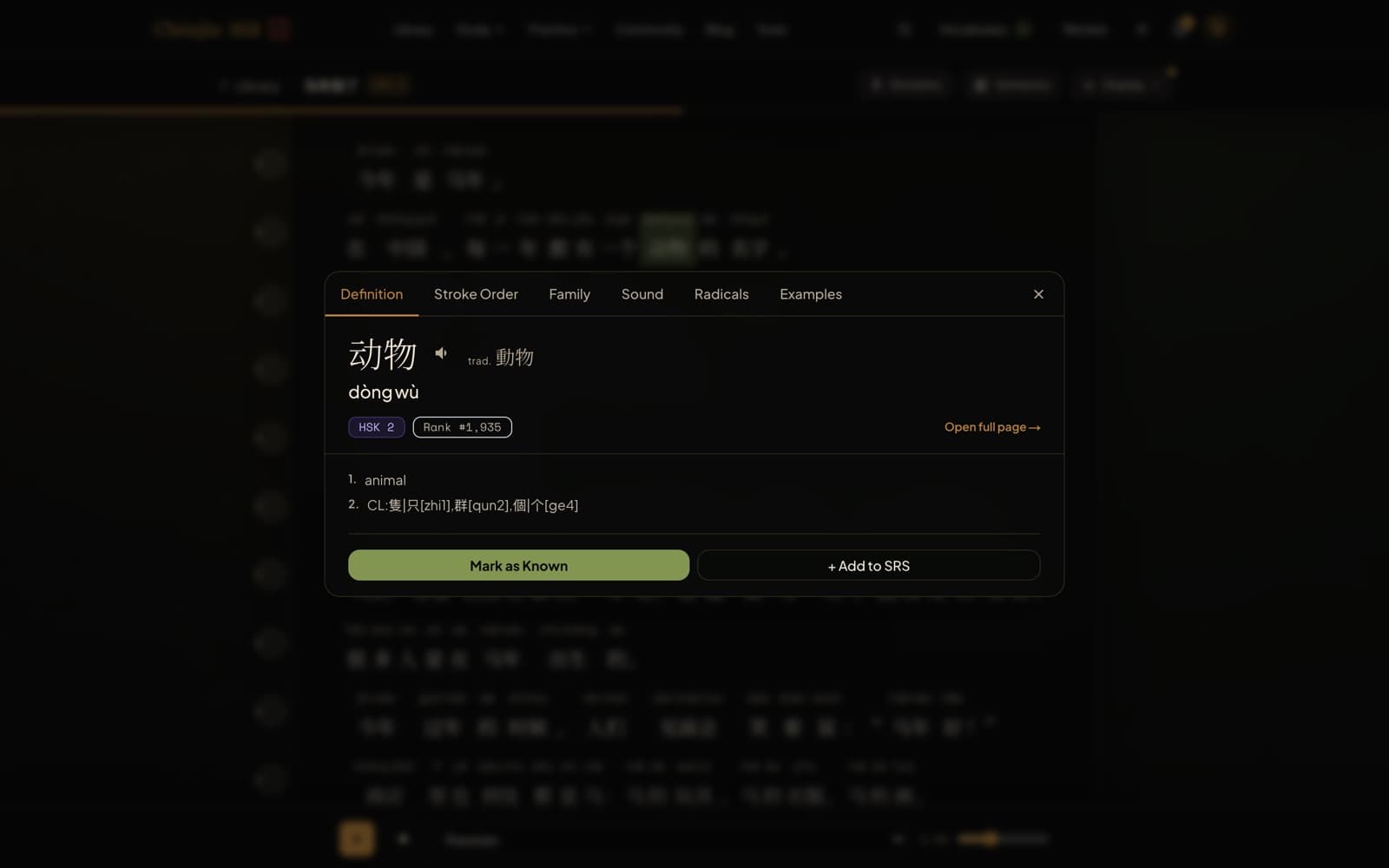
A document upload extracts the paper's text, splits it into words, and links each one to the dictionary. The popup lists every sense of a word, not just the first, which matters when 分析 and 分布 and 分配 are all on one page. Uploads are always private.
EPUB works the same way, so a monograph or a collected volume reads as chapters with the same dictionary support.
One sentence at a time
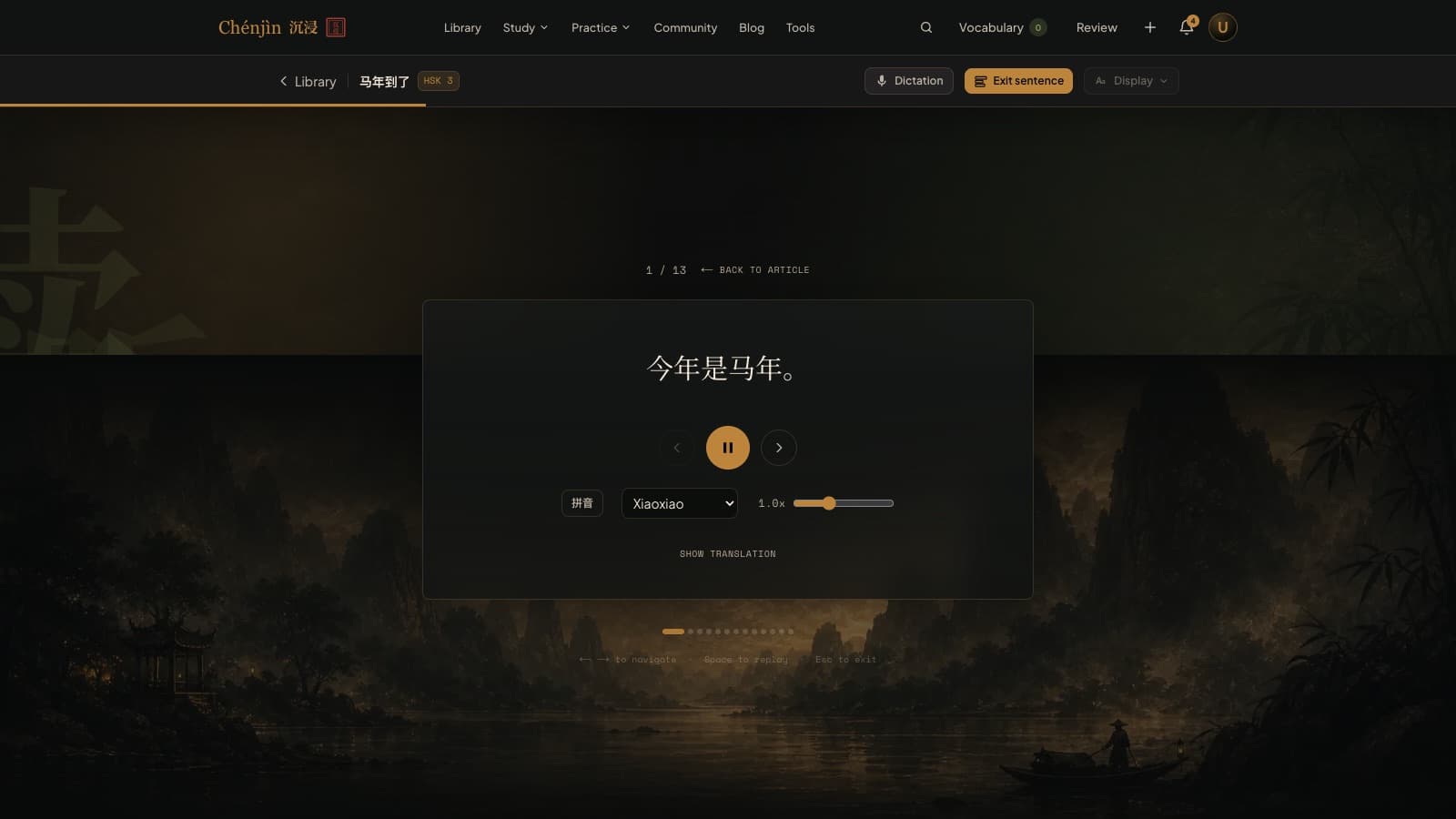
Sentence view isolates a single sentence with optional pinyin and audio, so a forty-character clause with three nested modifiers stops being a wall. Step through the abstract that way once and the full text reads faster.
Build the vocabulary of your field
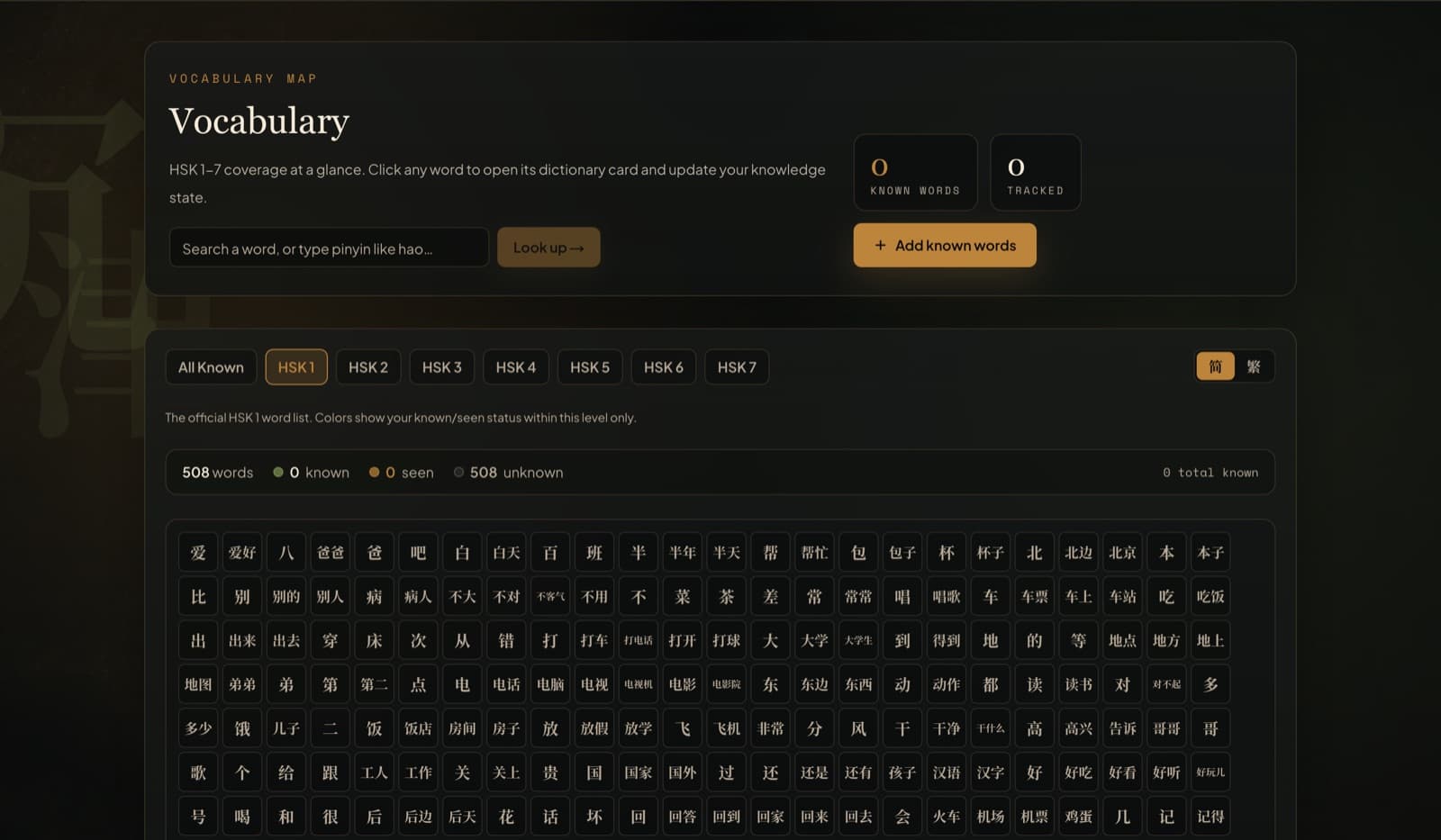
Words you look up go into an FSRS-scheduled review queue, and the vocabulary map shows what you've covered. After a few papers the recurring terminology is simply known, and lookups drop to the genuinely new.
Train the register on easier material
The library's HSK 6 and 7 essays and news pieces use the same formal written Chinese as a paper, with simpler content. Reading those between papers builds the stamina the papers themselves burn through.
Frequently asked questions
Does it work with scanned PDFs?
No. The upload reads the PDF's own text layer, so it needs a PDF with selectable text. Scanned image-only PDFs come back with no extractable text.
Will it translate the paper?
It's a reader, not a translator. You get per-word meanings on tap and the sentence view for structure; the understanding is still yours to build, which is the point if you need to cite the work.
Is my upload visible to anyone else?
Document uploads are permanently private. They never appear in the public library.
Keep exploring
Try it tonight
The free plan includes the dictionary, the free graded reader, three library articles a day, games, and flashcards. If it fits the way you learn, the Plus plan unlocks the rest with a 7-day free trial.
Create a free accountFree forever plan · no credit card required
Complete beginner? Start from zero.